Your whole center, finally in one place
Courses, simulation, OSCEs, teaching materials, teaching, internships, people, rooms, equipment, invoicing, reports, quality and GDPR. You turn on only what you use: the rest disappears from the screen, and screens stay simple.
Twelve modules, one tool
Each module has its own page: what it changes in your daily work, how it works, what it saves you in time and security, screen by screen.
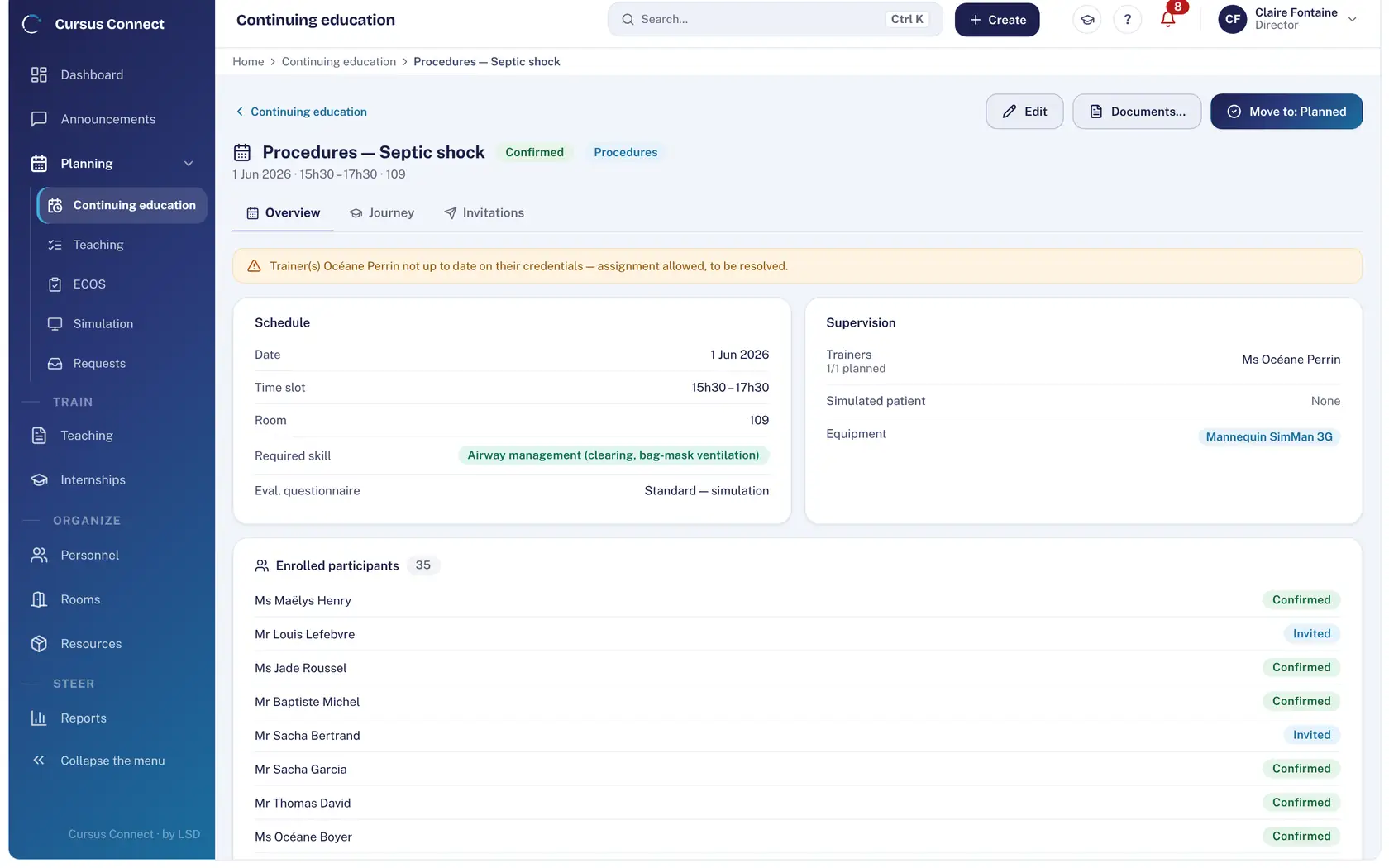
Courses
From the idea to the certificate, with nothing typed twice
- Courses created in minutes
- No more double bookings
- Invitations that are tracked
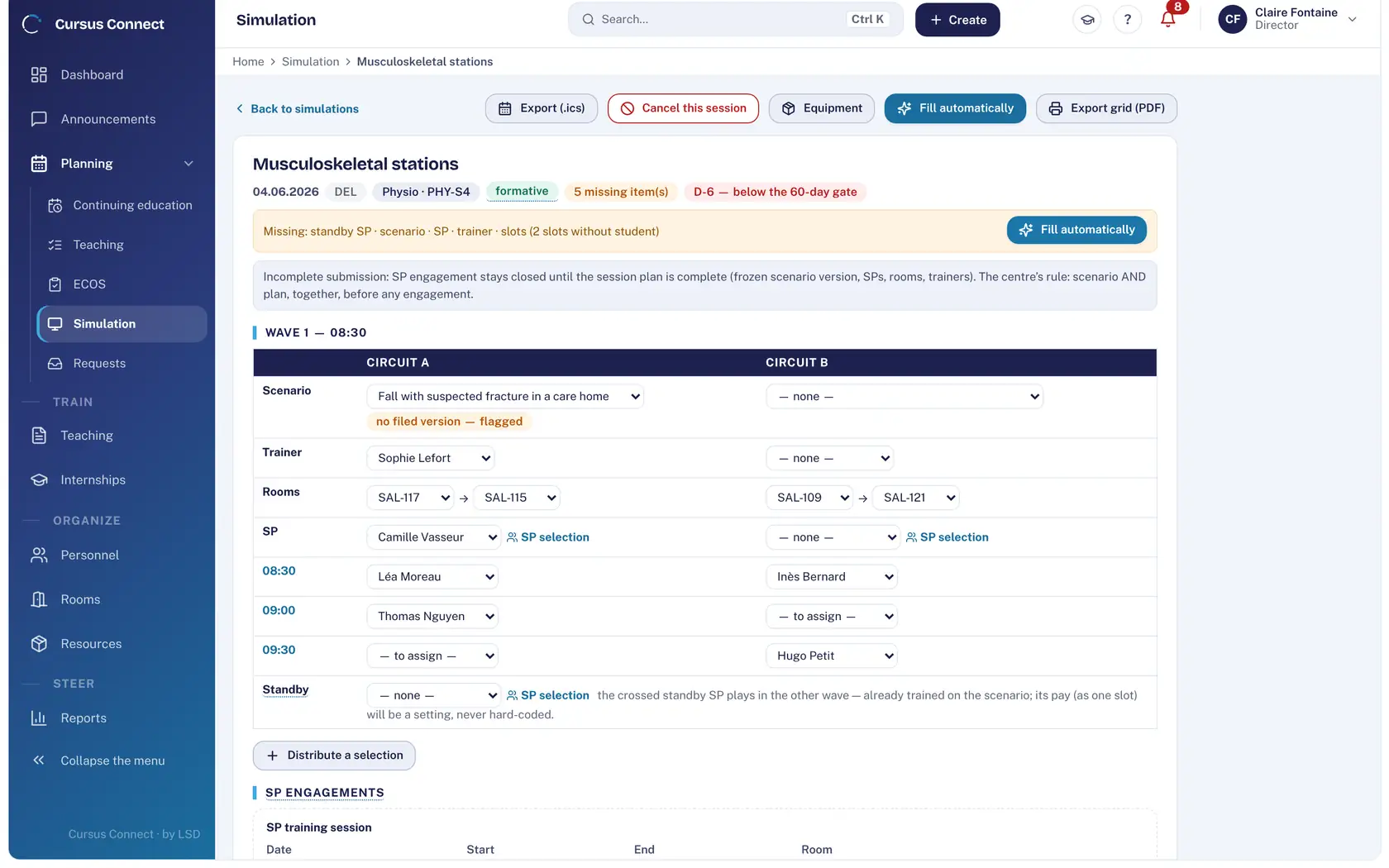
Simulation
Every session ready: scenario, room, trainer, simulated patients
- Nothing is forgotten
- The right simulated patients, fast
- Commitments kept
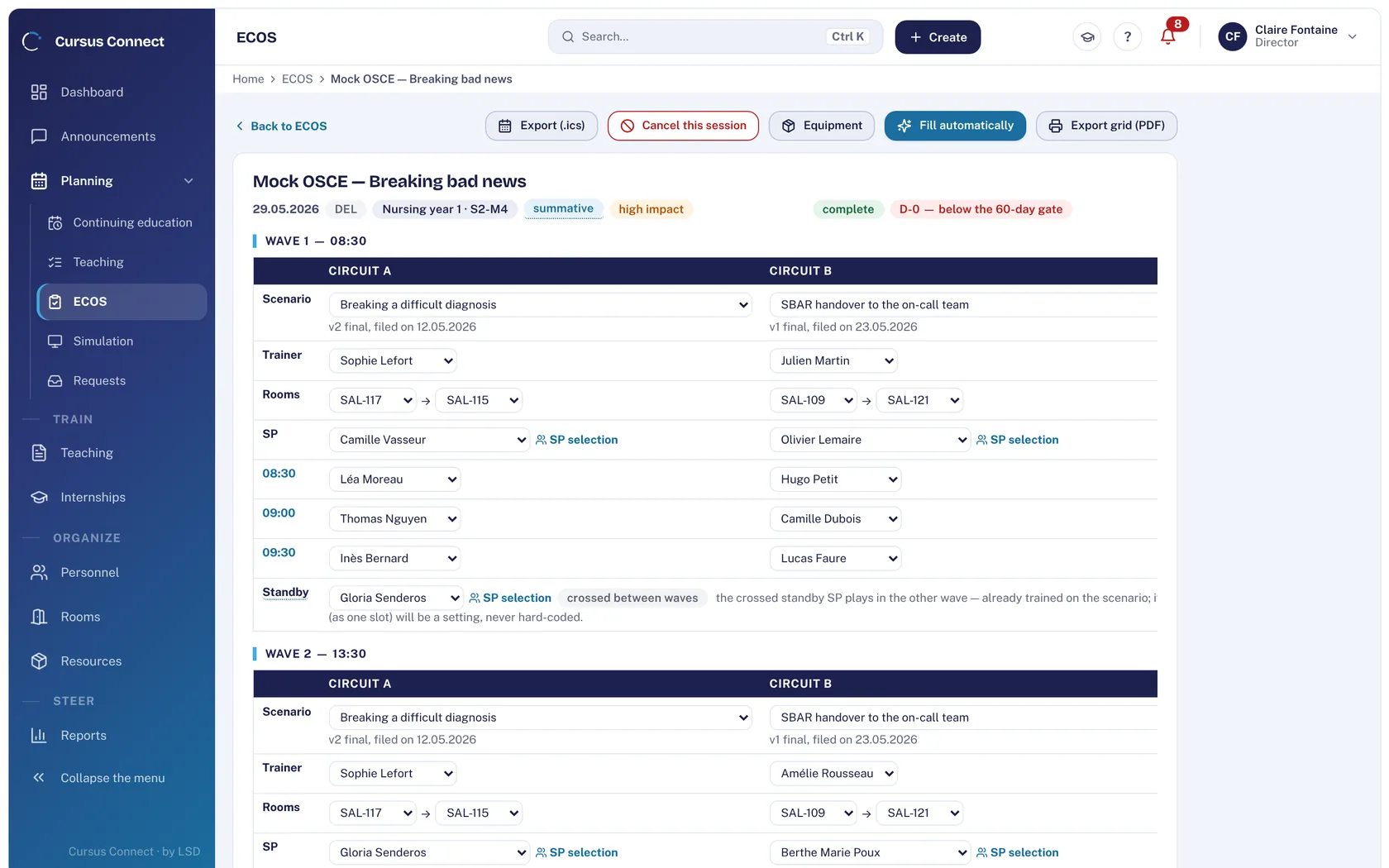
OSCE
OSCEs that keep to the clock
- Nothing entered by hand
- Standby simulated patients planned
- Grids that do not leak
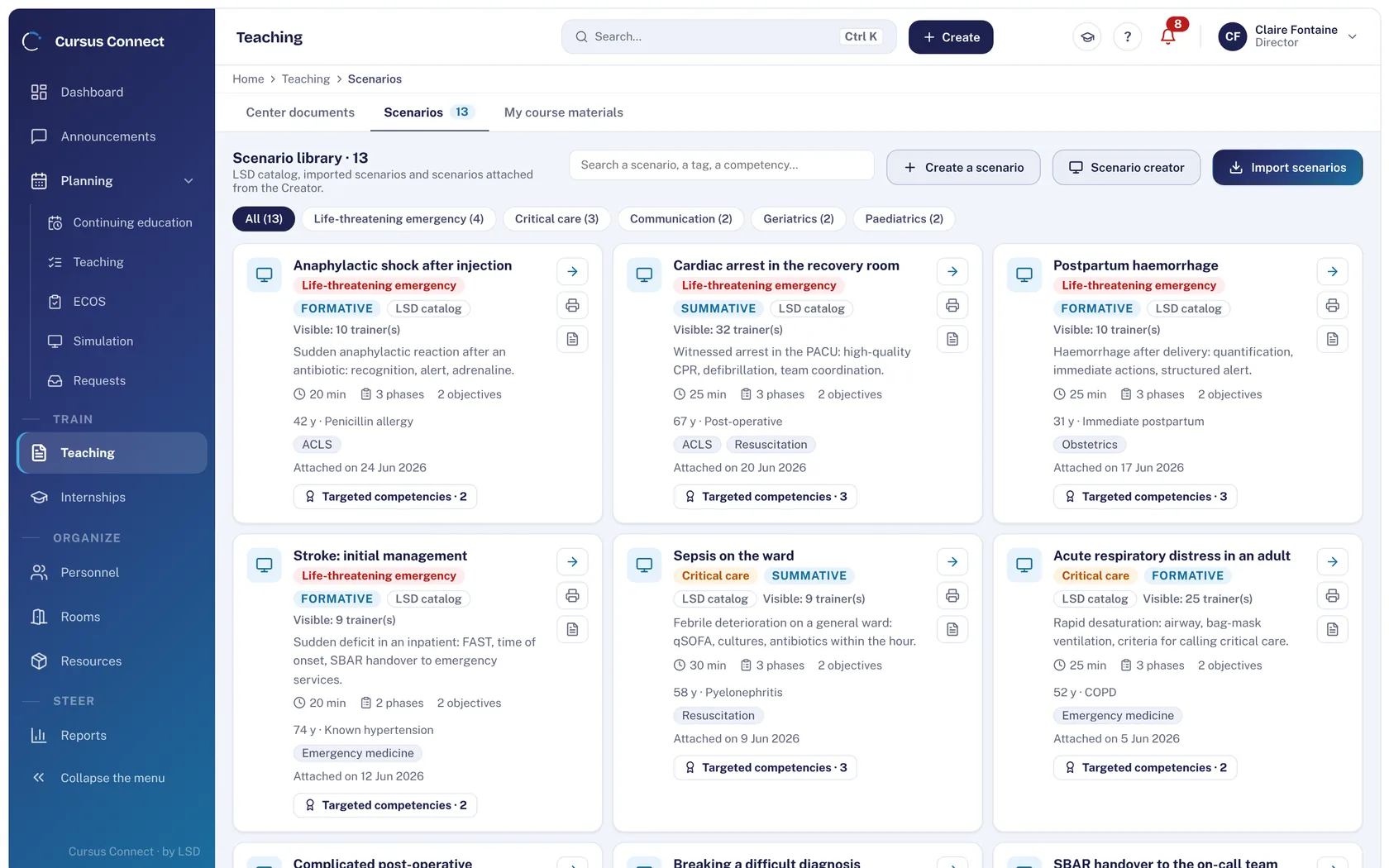
Teaching materials
A library that loses nothing
- One version that counts
- Role sheets ready
- Your existing scenarios, imported
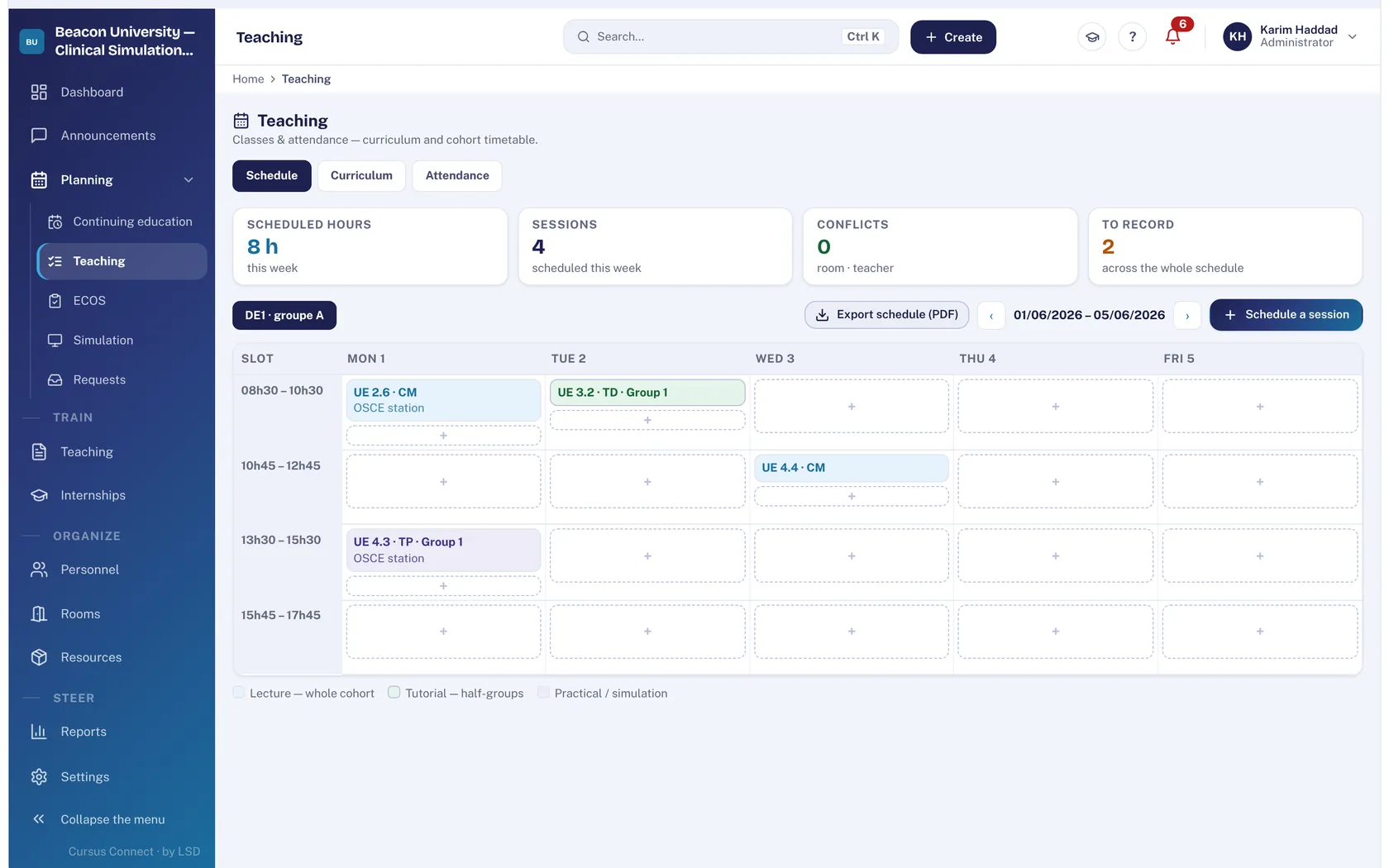
Teaching and internships
The whole cohort, from curriculum to placement
- A living curriculum
- A timetable with no double booking
- Attendance under control
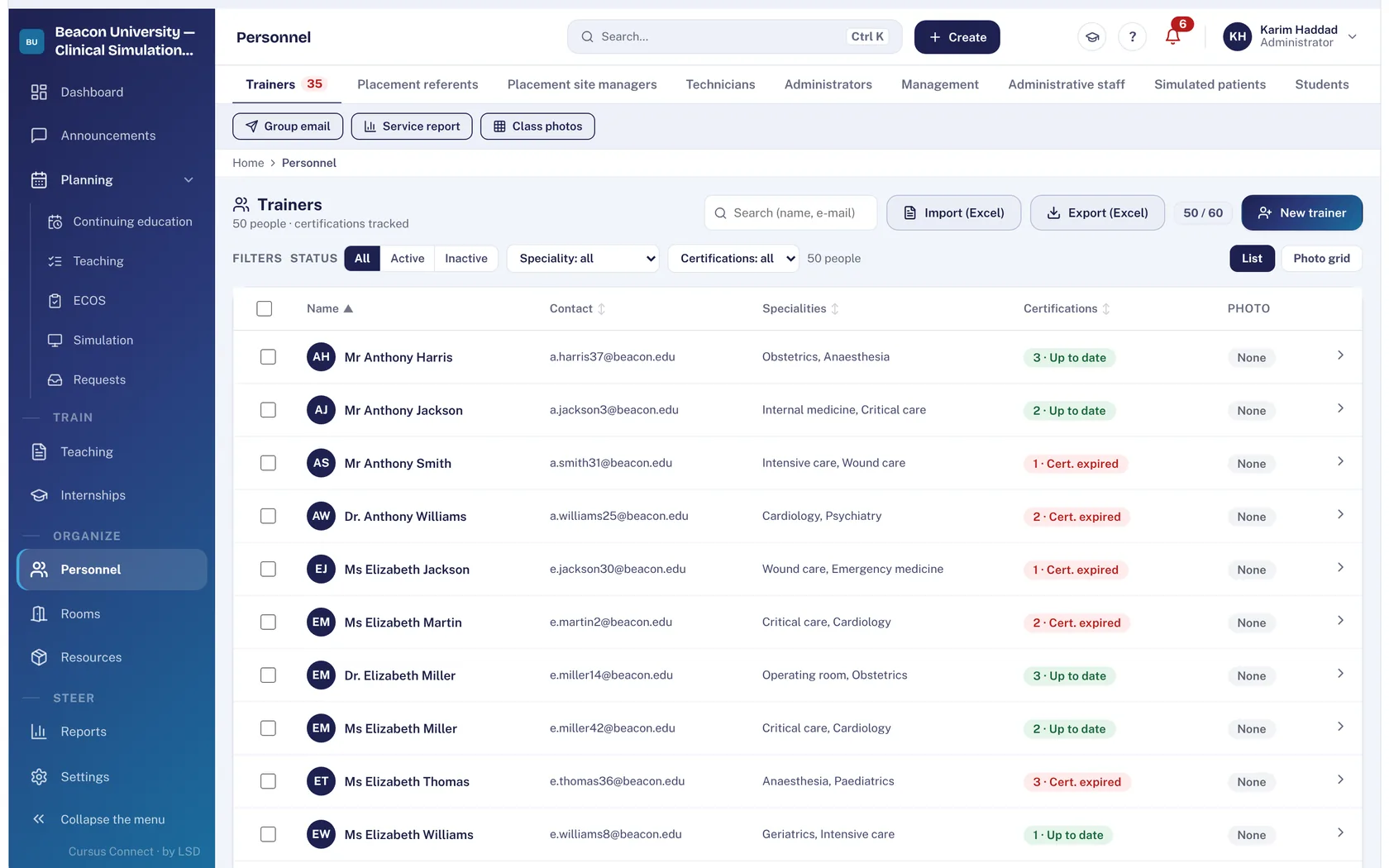
People and portals
The right people, with the right rights
- One sheet, every role
- Certifications up to date
- Access that is earned
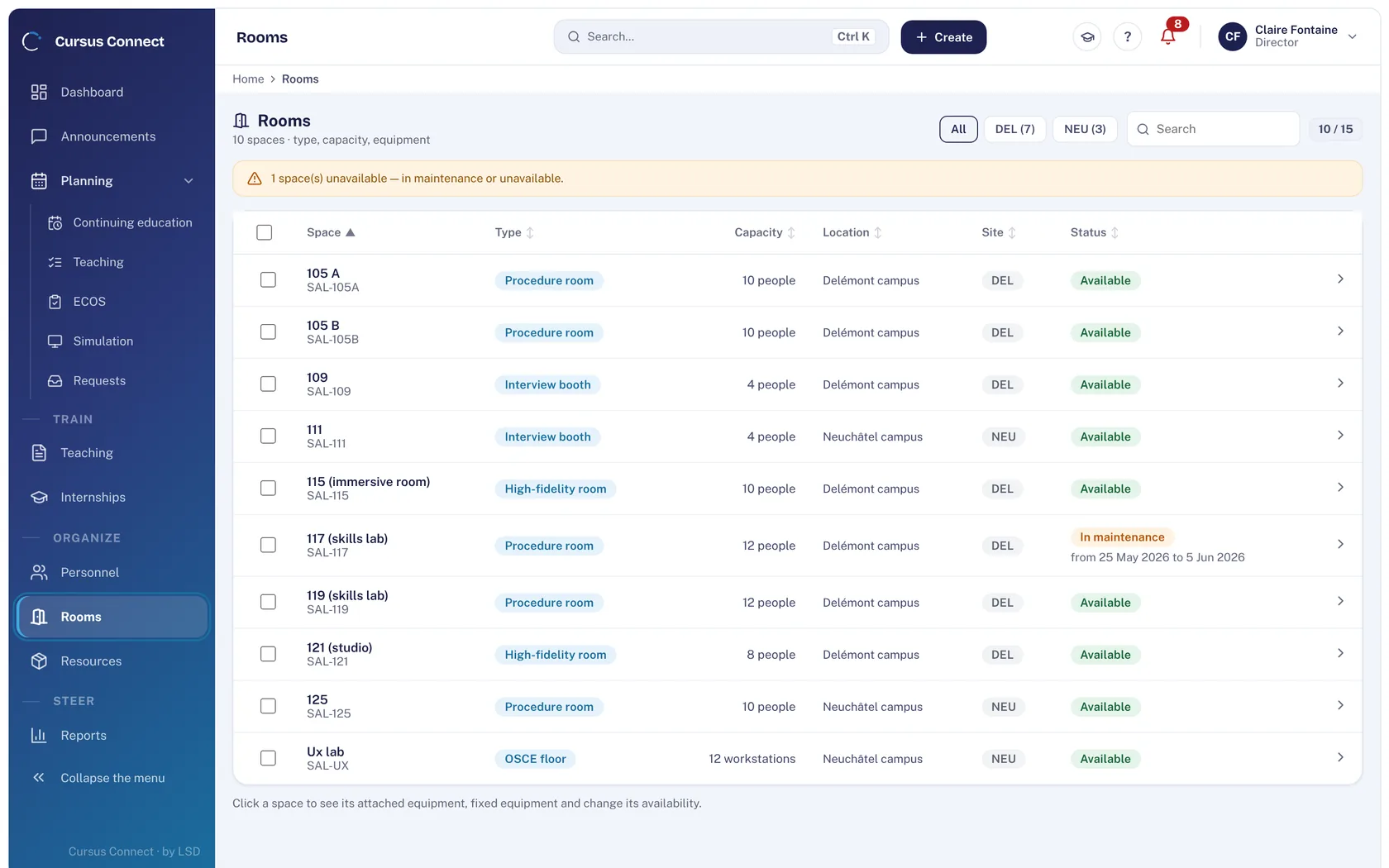
Rooms and equipment
Rooms available, a fleet that holds up
- Rooms without conflict
- Breakdowns avoided
- Expiry dates seen in time
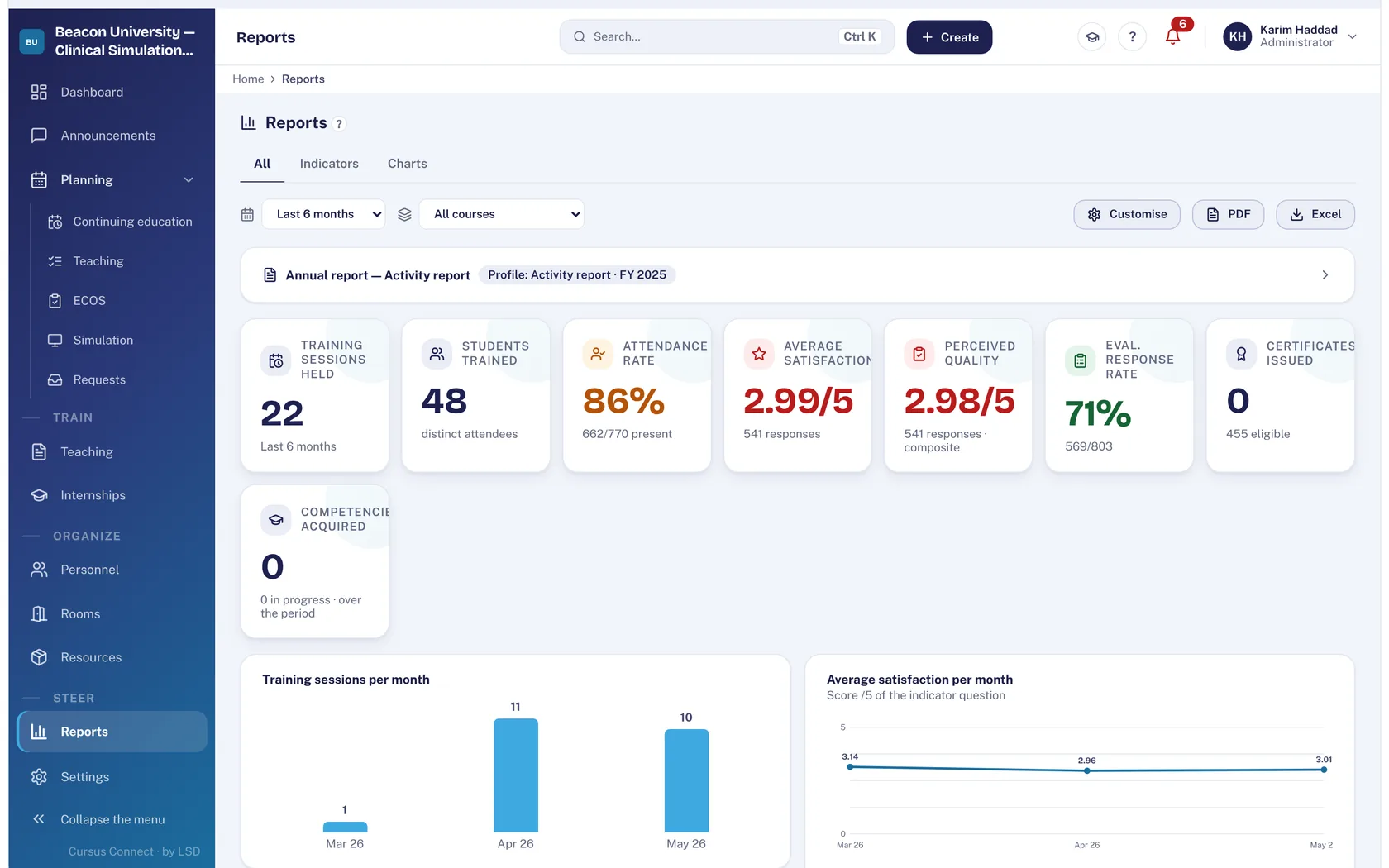
Reports
Your figures, ready to present
- Indicators with nothing retyped
- The BPF prepared
- SRC statistics
Invoicing
From quote to payment, with nothing typed twice
- Numbering with no gaps
- Invoices that hold up
- Mixed funding handled
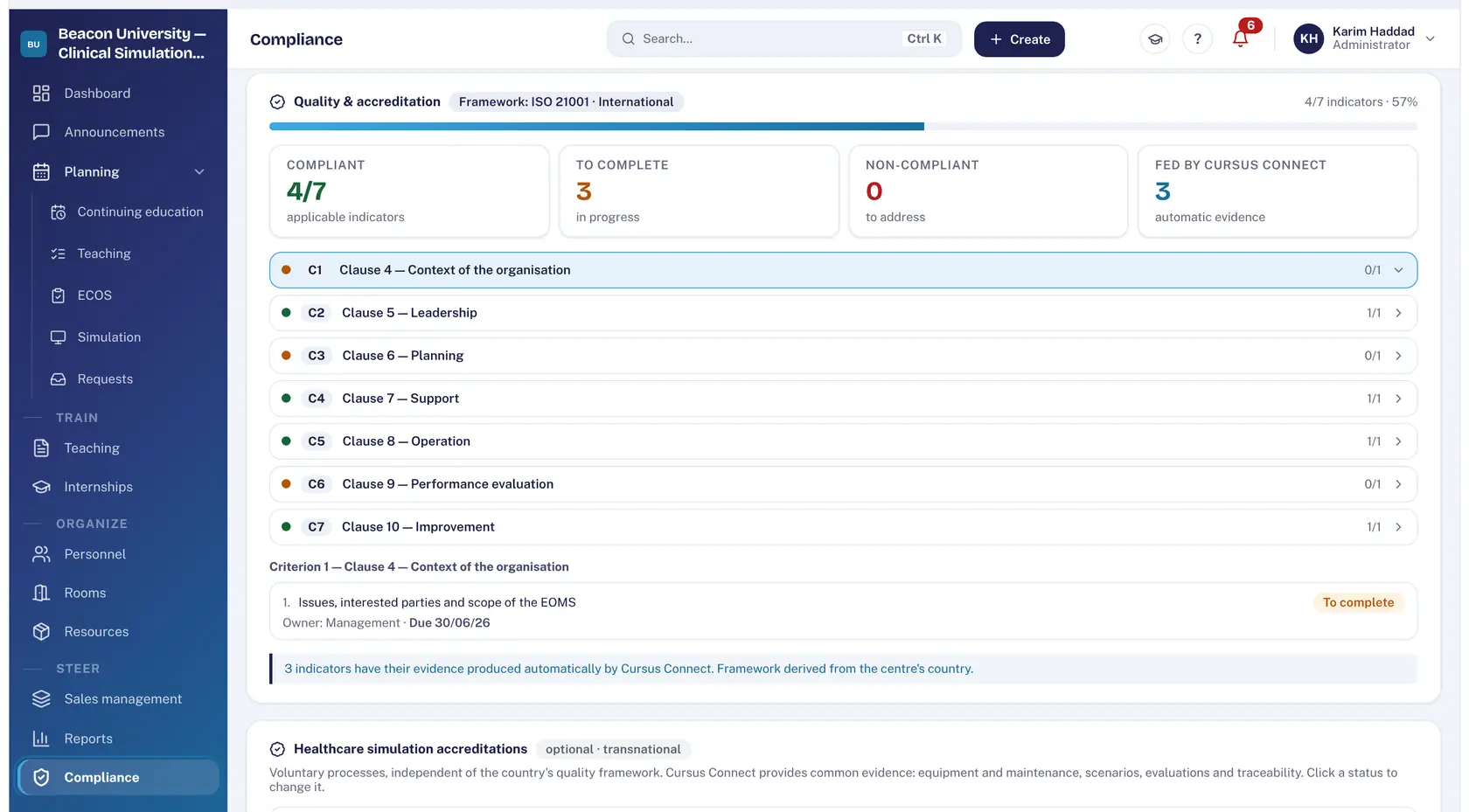
Quality
The audit is prepared all year, not the night before
- Your country’s framework
- Evidence drawn from activity
- A report ready to hand over
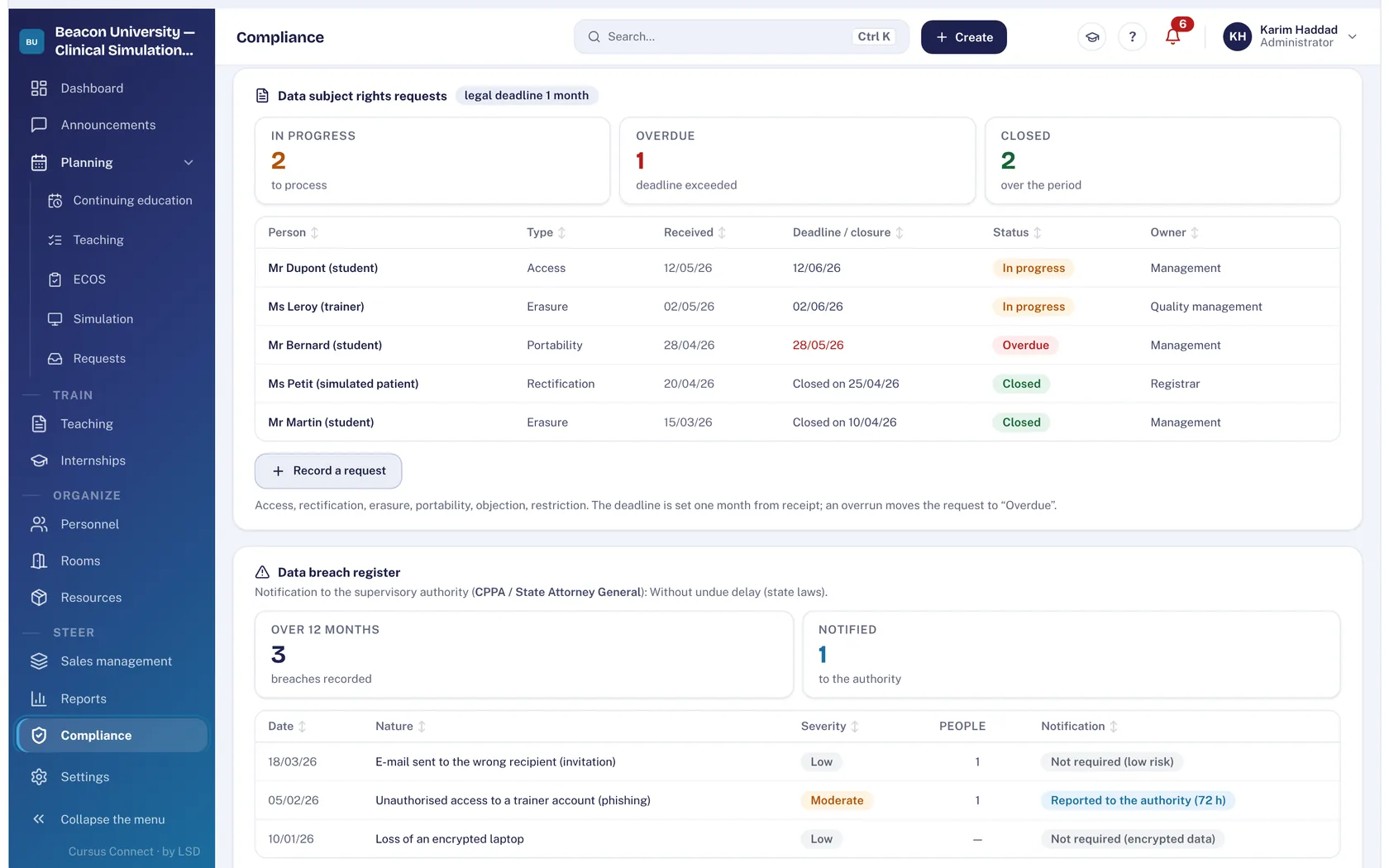
GDPR
Compliance kept by the server, not by a binder
- A register always up to date
- Deadlines kept
- The right to be forgotten in one move
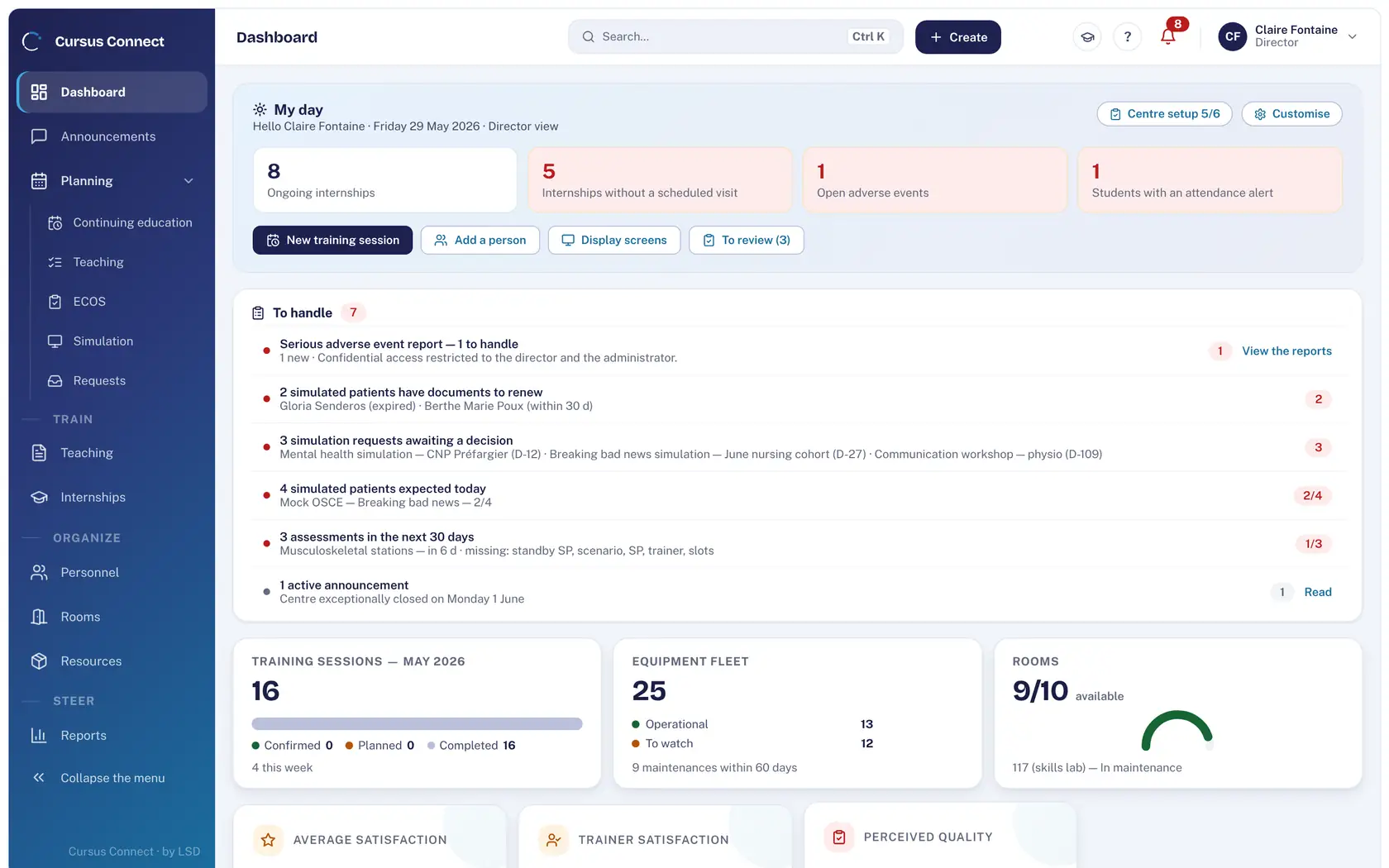
Day to day
A day that starts with what matters
- What matters first
- Instructions that get read
- Display with no dedicated PC
Every feature at a glance
Choose your institution at the top of the page: what matters most to you is highlighted.
Highlighted for your institution
Courses
Three-step assistant and templates
Room and lecturer clashes flagged
Qualifications checked on assignment
Email invitations, reply on the portal
Sign-in sheet to sign by hand
Required program details checked
End-of-course evaluation
Enrollees in Excel
Simulation
Sessions: scenario, room, instructor, SPs
SPs matched to the expected profile
Commitments and check-in on the portal
Compensation by your rate scale
Simulation requests from teams
Export to .ics
OSCE
Waves, paired circuits, stations
Planning status calculated
Allocation assistant
Sealed score sheets
Results by station, pass mark
Real-time circuit display
Teaching materials
Versioned scenarios, role sheets
Import from SimGen or REALITi360
Course materials
Pre-tests and question banks
End-of-course and follow-up evaluations
Documents shared by personal link
Teaching and internships
Curricula with ECTS credits
Schedule for each cohort
Attendance, warnings, supporting documents
Internship sites, preferences, assignments
Agreements in bulk, reviews
Competencies rated by the supervisor
People and portals
One record per person
Excel or CSV import
Certifications and expiry dates
Rights by module and role
Four portals
Photo directory and service record
Rooms and equipment
Rooms: capacity, equipment, incidents
Maintenance and wear parts
Equipment loans
Consumables: thresholds, lots, expiry
Guided inventory
Fault reporting
Reports
Indicators by period and by course
Activity report in PDF and Word
SRC statistics (Switzerland)
BPF (France)
PDF and Excel exports
Dashboard by role
Invoicing
Rate catalog
Quotes, orders, invoices, credit notes
Invoice locked when issued
Mixed funding per enrollment
Funder payment file
Euro or Swiss franc
Quality
Qualiopi: 32 indicators
Evidence file from your activity
PDF report and Excel workbook
eduQua: 16 indicators
Serious adverse events
GDPR
Record of processing activities
Data subject requests
Data breaches, 72 hours
Export and deletion of a person
Image rights on the portal
Audit log
Day to day
Dashboard of actions to handle
Announcements with read receipts
Display screens
Built-in help in three languages
See your center in Cursus Connect
An online demo built around your courses, your OSCEs and your documents. You leave knowing what Cursus Connect will change for you.